Start putting your money to work faster with seamless digital direct deposit. When applying online, you can link your paycheck instantly during setup with no paperwork or extra steps required. Instant setup is available for Easy Checking, Evergreen Checking, I Save and My Money Market accounts.
Key Highlights
- Fast & Automatic: Skip paper forms and manual HR requests by connecting directly to your payroll provider in just a few clicks.
- Safe & Secure: Powered by Pinwheel, a secure service that links your online bank application with your payroll provider.
- Flexible Options: Deposit your full paycheck or easily split a partial amount by dollar value, percentage or remainder.
- Online Account Eligibility: Available for Easy Checking, Evergreen Checking, I Save and My Money Market accounts. Excludes Certificates of Deposit and Super Saver accounts.
Connect with Thousands of Employers & Payroll Systems
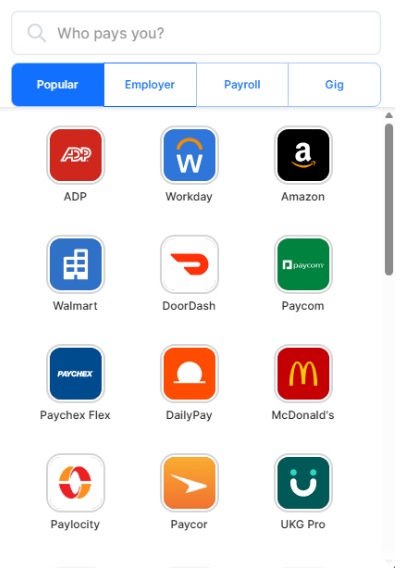
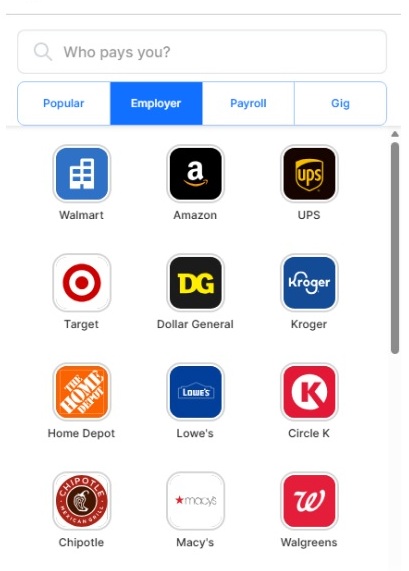
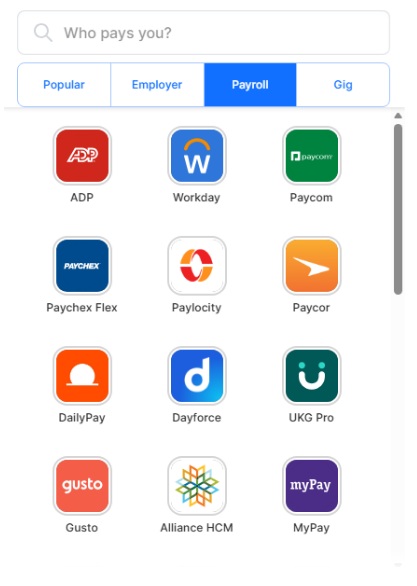
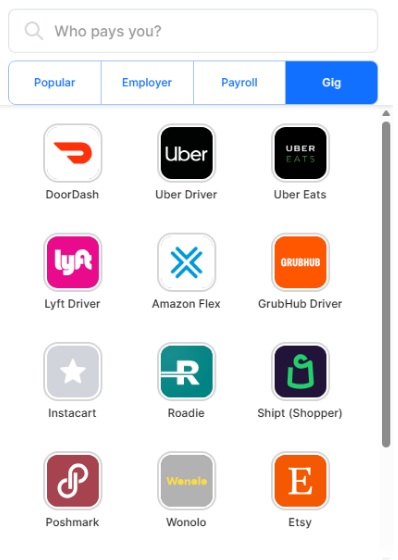
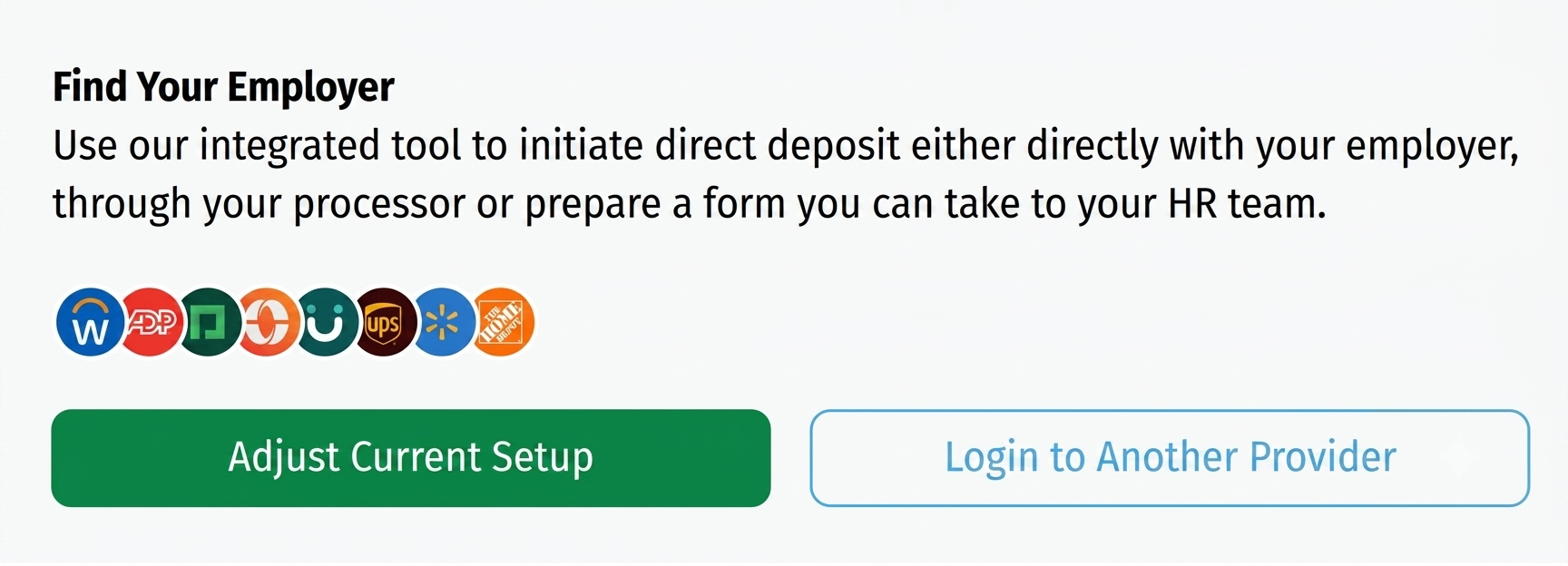
Finding your employer or payroll system is seamless. Through our secure integration with Pinwheel, the built-in portal lets you search across multiple categories to find your exact provider in seconds:
Customize How Your Paycheck is Split
You have complete control over how much income flows into your new account. Choose to move your entire paycheck or set up a custom partial allocation:
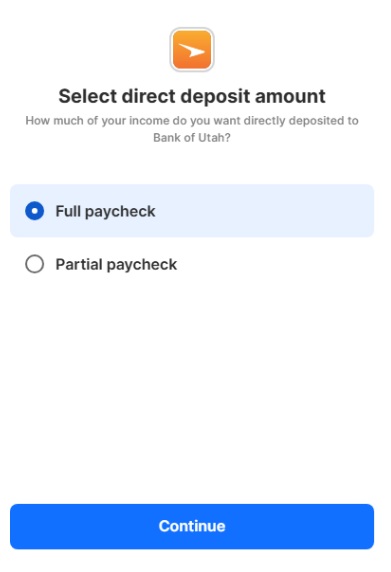 Full Paycheck
Automatically transfer 100% of your net pay into your account every payday.
Full Paycheck
Automatically transfer 100% of your net pay into your account every payday.
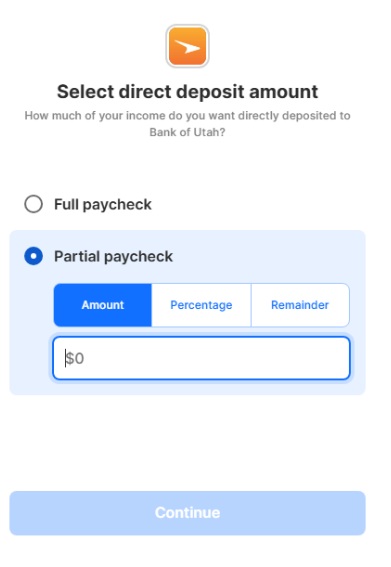 Partial Paycheck
Specify an exact dollar amount or percentage to deposit, keeping the rest where it is.
Partial Paycheck
Specify an exact dollar amount or percentage to deposit, keeping the rest where it is.
Manage Options Right In Your Application
If you need to adjust your deposit allocation or link a different provider during setup, you can manage your configuration directly inside your online application before finalizing. (Note: Changes typically take 1–2 pay cycles to reflect on your paycheck, depending on your employer.)
Frequently Asked Questions
Connecting direct deposit directly to an I Save or My Money Market account automates your savings goals. By allocating a set dollar amount or percentage of every paycheck directly into savings before you have a chance to spend it, you build your emergency fund or major savings automatically without needing to manually transfer funds each month.
Timing depends on your employer or payroll provider's processing schedule. While the digital setup links your account instantly during your application, it typically takes one to two pay cycles for the automated deposit to reflect on your paycheck.
Yes. Through Pinwheel's secure connectivity platform, you can link your online government benefit account, such as my Social Security or military payroll portals, directly to your Bank of Utah account during setup.
Yes. You can link direct deposits from multiple employers, payroll systems or gig platforms into the same Bank of Utah account. Whether you work a secondary job or earn income from platforms like Uber, DoorDash or Etsy, you can set up direct deposit for each income source individually.
Setting up direct deposit creates a seamless set-it-and-forget-it workflow for your housing payments. By sending income directly into your Bank of Utah checking or savings account, you can schedule automatic loan payments for your mortgage or HELOC. This eliminates the hassle of writing checks, avoids missed payments and ensures funds are always ready when your loan payment is due. Direct deposit isn't required for automatic loan payments, but it can make managing them more convenient.
If you are opening a new account online, all you need are your payroll login credentials to complete the instant setup during your application. If you already have an account or plan to open one in a branch, you can view step-by-step walkthroughs for both setup options on our Direct Deposit page.
Ready to Open an Account?
Apply online today and set up your direct deposit in just a few minutes.